
Your clients trust you with the details. Your AI workflow should earn that trust, too. An amount on an invoice, a date in a message and a missing spreadsheet value all shape the work. Lawg brings those details into focus, with privacy safeguards designed to protect sensitive information and keep the context that makes it useful.
CoeusX has published a new five-minute Lawg walkthrough showing that approach in practice. The recording moves from a client-message example to a mixed document file, source inspection and an editable Word file note. It shows the product in use, with the useful facts visible at each step.
Privacy with useful context
Personally identifiable information (PII) is information that identifies, or can help identify, an individual, such as a name or contact details. Sensitive access credentials also need careful handling. Lawg's privacy approach targets sensitive details while preserving the context needed for the task, with targeted safeguards for sensitive identifiers in extracted material and answers.
In the opening example, a client message describes a studio scanner purchase. The answer retains the AUD 900 amount, the payment date of 30 June 2025 and the recorded business-only use. Sensitive access values from the message are absent from that answer. The transaction remains understandable: how much was paid, when it was paid and how the scanner was used.
That is the practical value of privacy with useful context. The facts needed to follow the transaction remain available for the work ahead. Read more about Lawg’s approach on our Security page.
Bring a mixed client file into focus
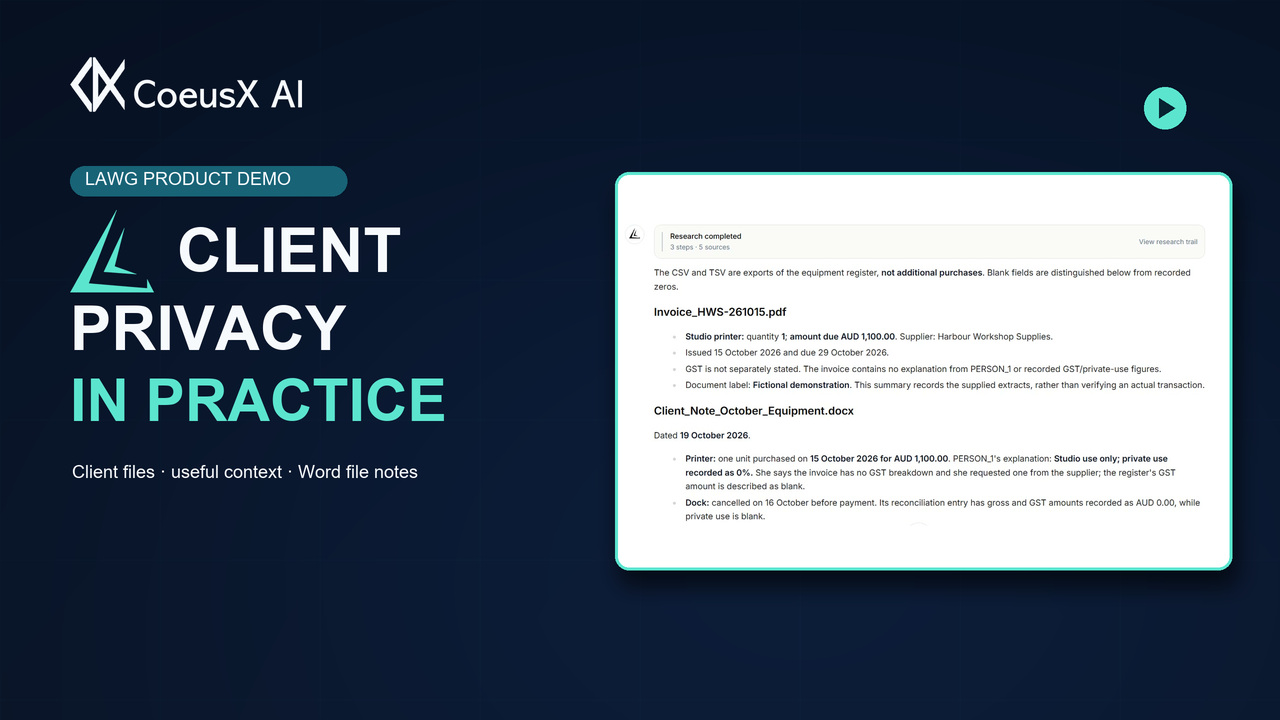
The walkthrough also follows a mixed client file containing a PDF invoice, a Word client note, an Excel workbook, and CSV and TSV exports. Lawg organises the answer by source, so the contribution of each document is easier to follow.
One workbook detail illustrates why that matters: a recorded zero and a blank field carry different meanings. The answer preserves the distinction between no private use and GST information that was not supplied. That gives the next client conversation a clear purpose: follow up on the missing detail while keeping the supplied facts intact.
Follow the source into a working document
When a figure needs checking, the source is within reach. In the recording, opening the invoice source displays its extracted material, including the date, quantity and total. You can inspect the answer alongside the supporting detail in the same workflow.
The walkthrough then uses the File Note template to generate an organised Word draft. Facts and sources carry into a document you can edit, develop and adapt to the engagement. A colleague returning to the matter can follow the structure and continue the work.
This builds on the connected workflow explored in From Tax Question to Source Review in Lawg: bring information together, inspect the material behind the answer and turn useful context into a working record.
The walkthrough uses a fictional client scenario and demonstration documents.
Watch the demonstration, then bring your next question to Lawg — Australian tax intelligence for professionals and businesses.